Plan and book business trips (flights, hotels, rental cars, policy checks, purchasing)
from any MCP client — Claude Desktop, Claude Code, or claude.ai — with interactive result widgets
rendered inline in the chat.
Auth: OAuth 2.0 with dynamic client registration — your MCP client handles the flow automatically.
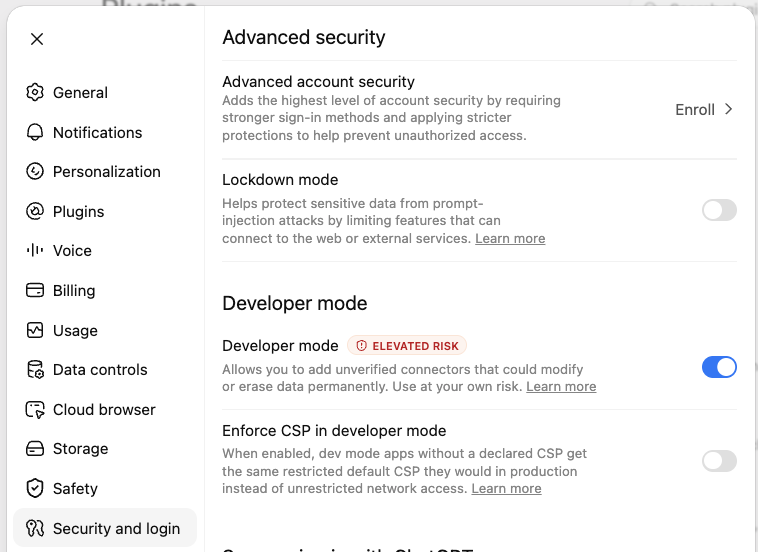
1. Enable Developer mode under Settings → Security and login.
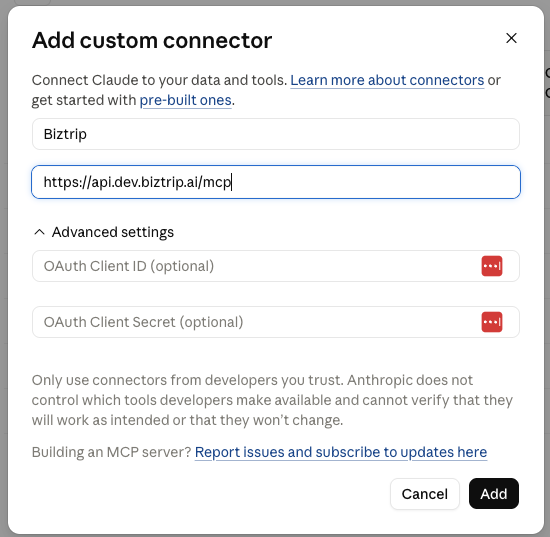
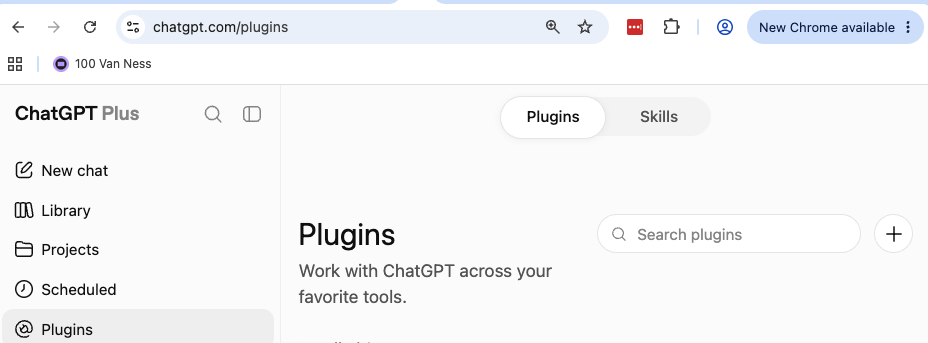
2. On the Plugins page, click the + icon to add a plugin.
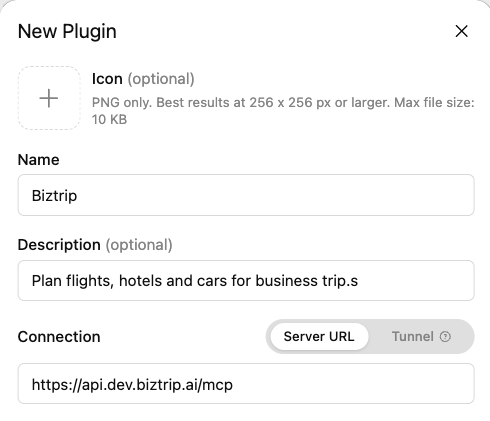
3. Name it Biztrip, choose Server URL, paste the MCP Link, and save.
Connecting from Claude Code
Claude Code:claude mcp add --transport http biztrip https://api.dev.biztrip.ai/mcp
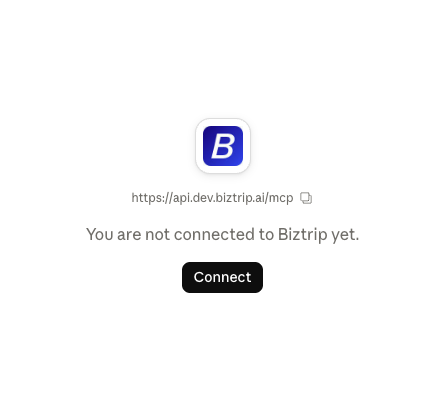
On first use you'll be sent through BizTrip sign-in to authorize the connector. Every tool acts as the signed-in traveler; the connector never accepts another user's email or ID.
Typical flow
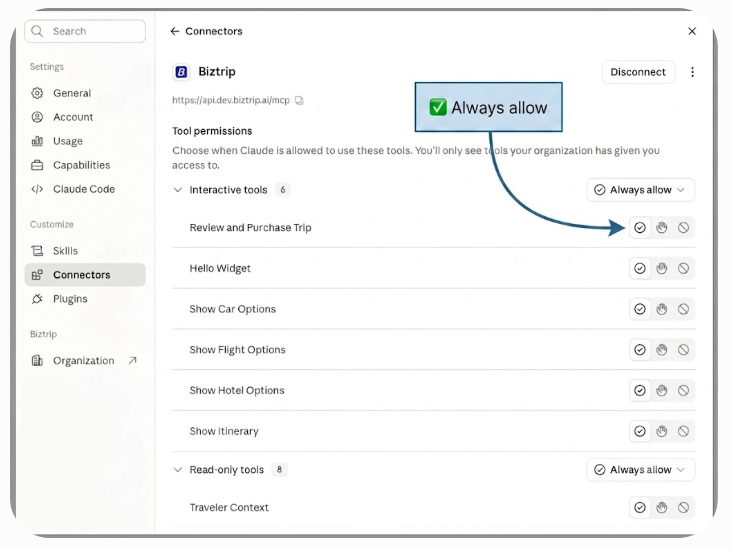
get_traveler_context — traveler profile, org, and policy.
create_trip or list_trips + select_trip — establish the active trip.
Search → show → choose, one product at a time (flights first, then hotels, then cars):
search_flights → show_flight_options → click a card → set_flight_choice.
show_itinerary — review current selections at any point.
confirm_booking — revalidates everything and renders the purchase panel.
purchase_trip — books, only after you click Purchase and confirm.
Searching stays free of side effects: nothing is reserved until purchase_trip.
Selections are labeled against your travel policy (in policy / approval required / not bookable).